Know your customers
Keep details, notes and submitted forms together.
Manage appointments, clients, teams, follow-ups, and daily workflows in one simple portal.
Aroute gives every business its own public route, private dashboard, and clean data structure, so service-based teams can start simple and scale with confidence.

Customer information, team access and everyday tasks, connected.
Keep details, notes and submitted forms together.
Give people the access they need with roles and assignments.
Organize appointments, availability and reminders.
Plan schedules, manage bookings, and keep daily appointments visible for your team.
Keep customer information, contact details, history, and notes connected to each workspace.
Manage team members, roles, and permissions so every user has the right access.
Track customer actions, reminders, and next steps so nothing gets missed.
View daily activity and operational information from one focused dashboard.
Give every client a public route and private dashboard with separated data.
Open a customer record to see the details, notes and form responses that help your team take the next step.
Explore the workspace →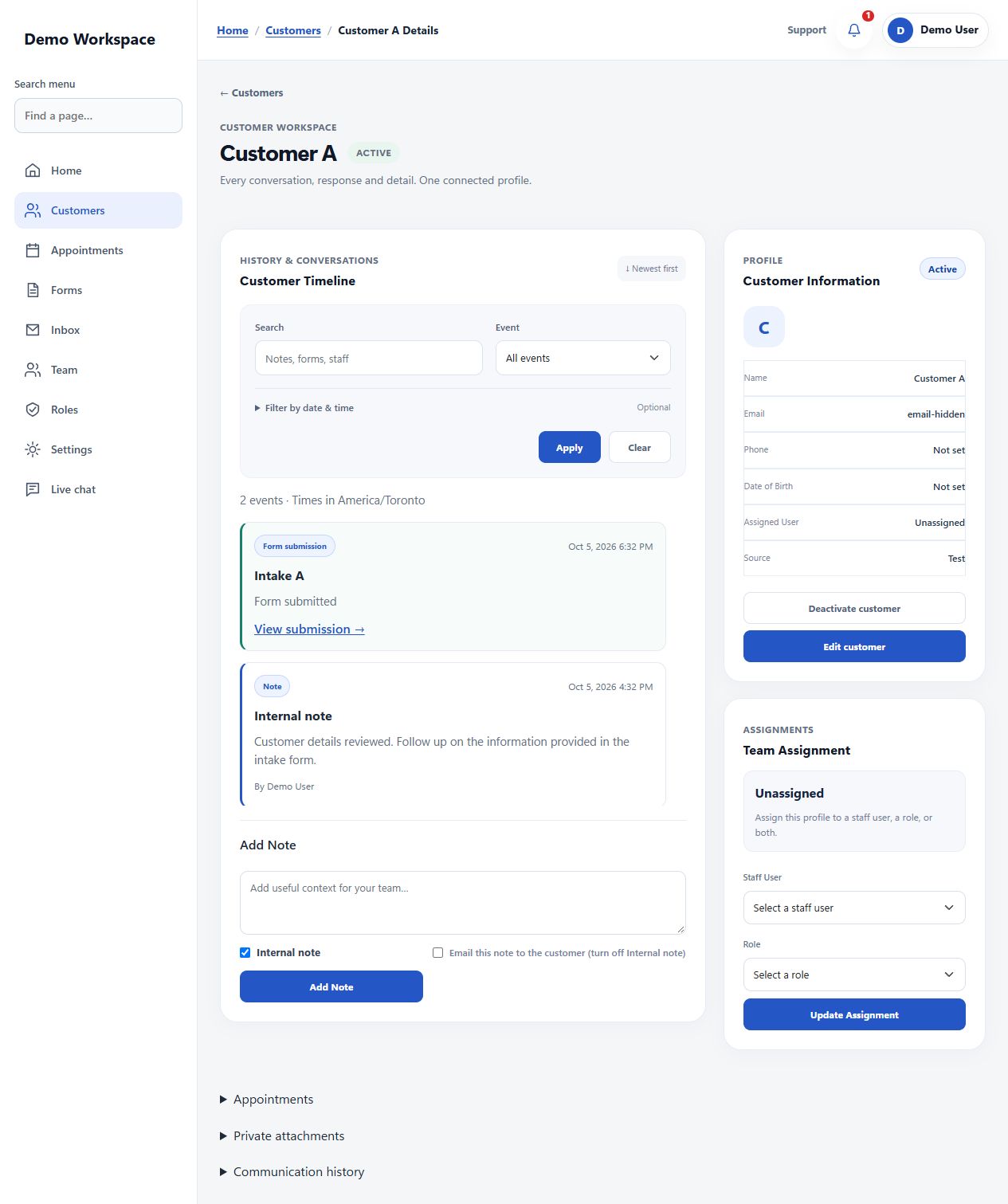
Set up your business profile, public route, and private dashboard.
Create your team, define services, and organize customer records.
Handle appointments, follow-ups, and workflows from one simple portal.
Watch an overview, then follow a practical workspace walkthrough.
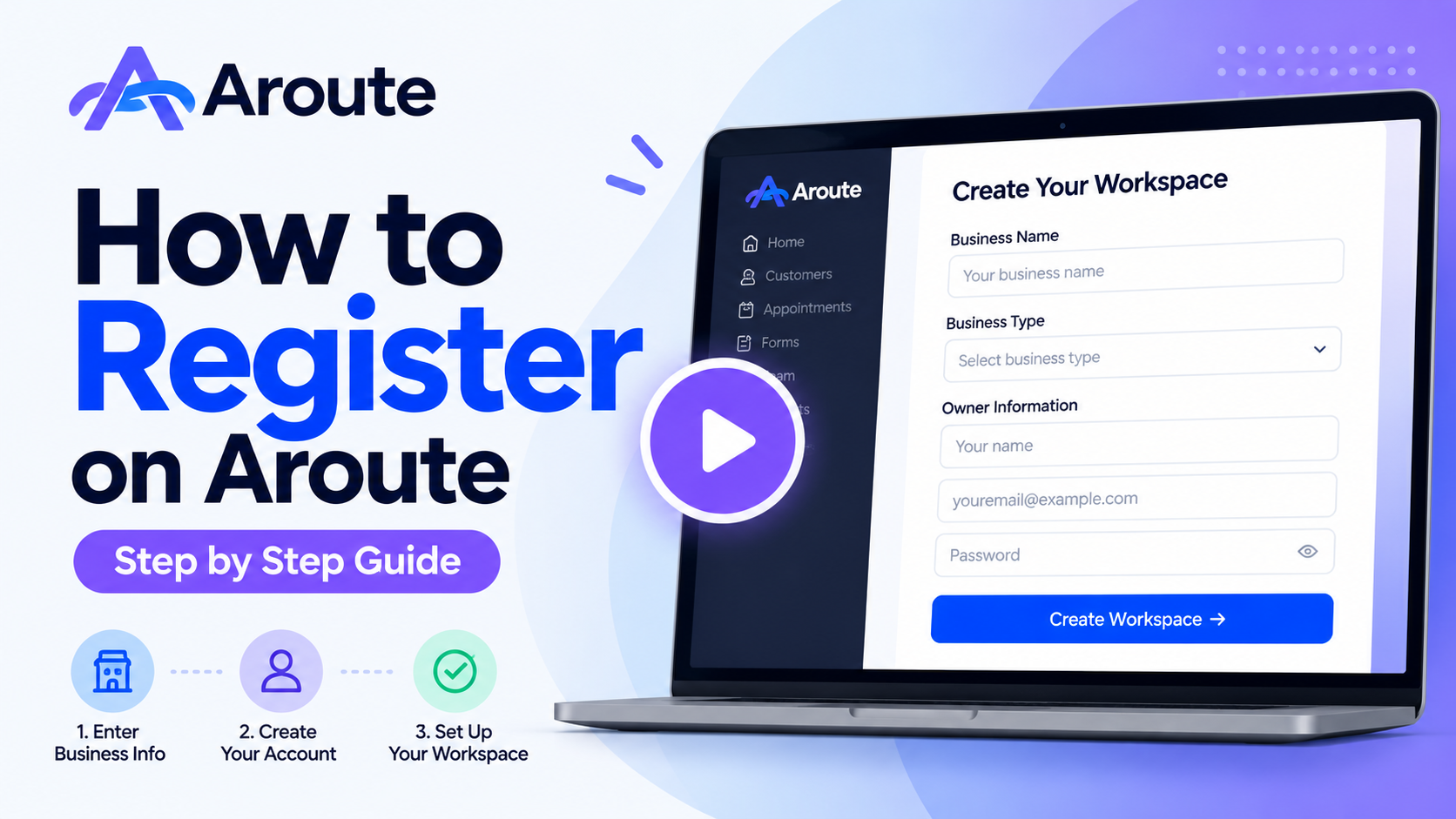
Learn how to create your Aroute account and set up your business workspace in just a few simple steps.
Watch video
See how customer records, public forms, scheduling and team collaboration connect in one workspace.
Watch video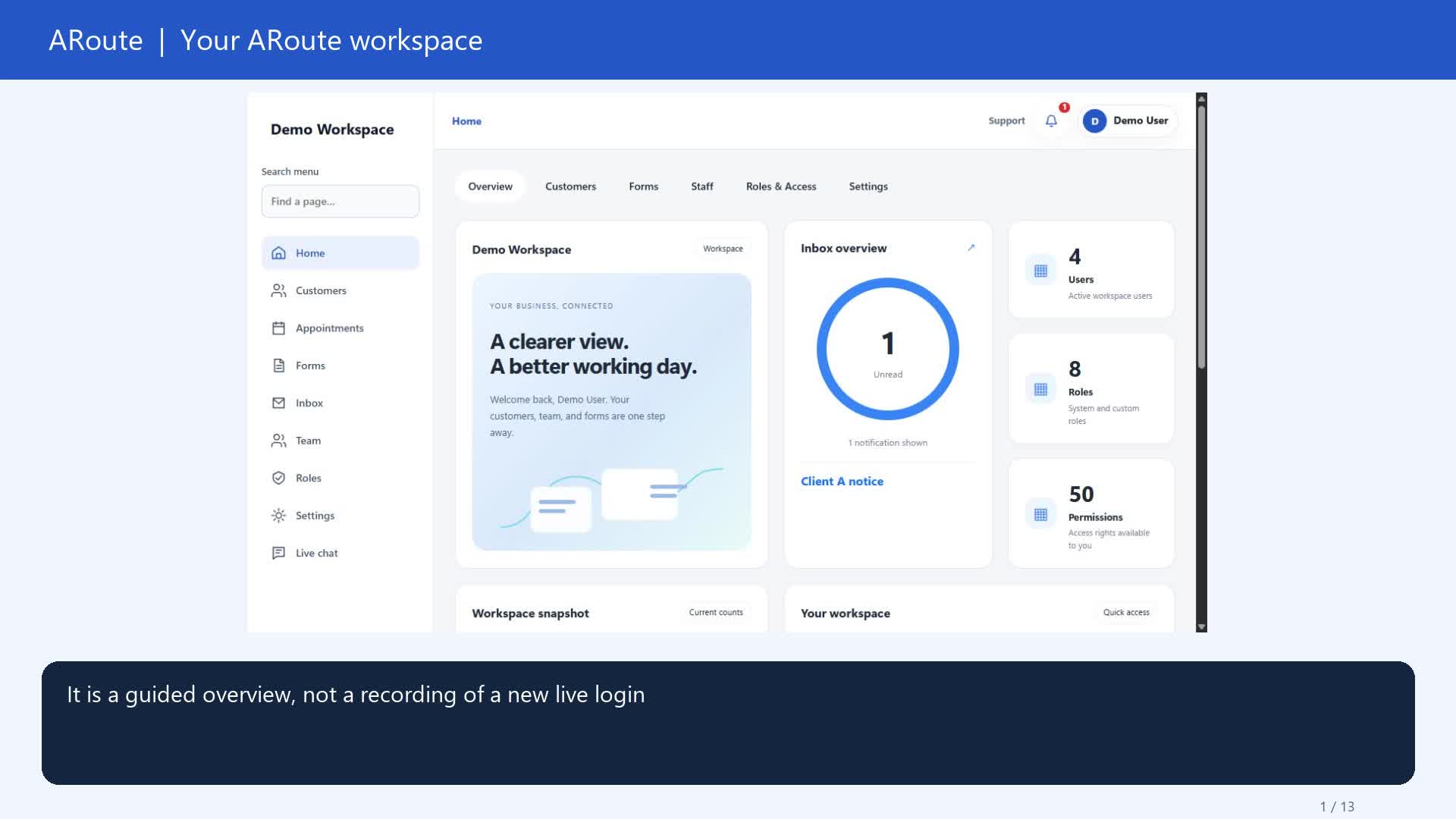
Follow a guided demo of customers, forms, appointments, team access and workspace settings.
Watch videoStart with the tools you need today and scale your operations as your business grows.
For small businesses starting with online booking and customer management.
For growing teams that need forms, roles, and daily operations tools.
For larger businesses with advanced operational needs.
Create your account, set up your workspace and start with a customer or a form. The Learn library walks you through the main sections.
Yes. Publish a form and share its link or QR code. Review submitted answers in your workspace and use the available customer-linking options.
Yes. Roles determine which pages and actions a team member can use, helping you keep access appropriate to their responsibilities.
Use the calendar with your services, availability and workspace time zone. Configure the available email and reminder settings for your workflow.
Create your first workspace and manage appointments, clients, staff, and follow-ups from a clean multi-tenant foundation.
Get Started